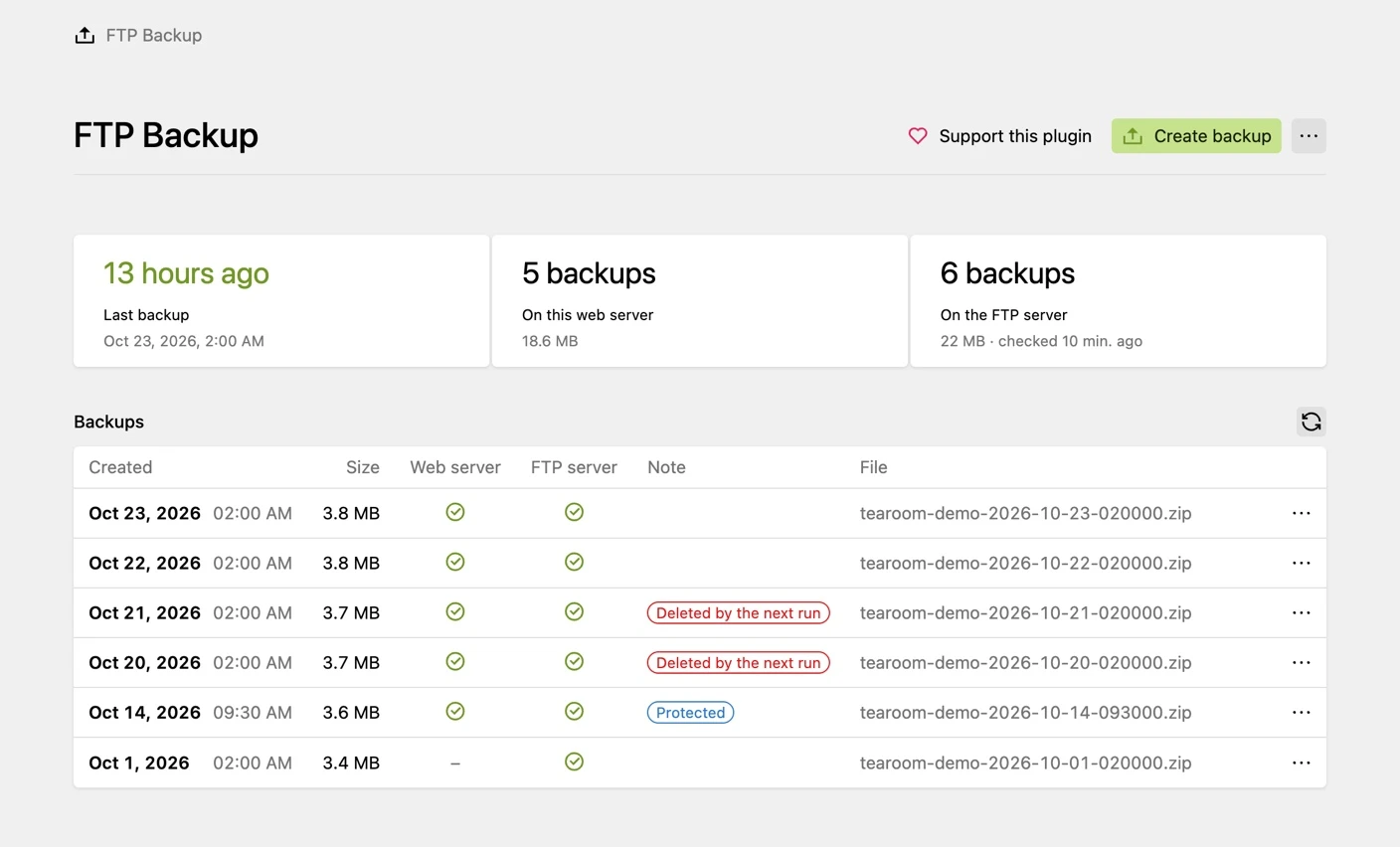
A Kirby CMS plugin that creates content backups as ZIP archives and uploads them to an FTP, FTPS or SFTP server. Start backups in the Panel or schedule them with cron, the Kirby CLI or a URL.
Your configuration determines which files are included and how long backups are kept. Check backup results regularly and test restoration. Keep an additional independent backup.
Key Features:
- FTP, FTPS and SFTP: Uploads with a password or an RSA, ECDSA or Ed25519 key, with live progress and a size check after the upload
- Checked archives: Every archive is re-opened and verified after it is written
- Retention: Keep a fixed number of backups or use tiered retention (daily, weekly, monthly), locally and on the server
- Protected backups: Mark a backup, e.g. the one before a big update, so it is never deleted automatically
- Notifications: Email or webhook when a backup or its upload fails, and a Panel warning when the newest backup is too old
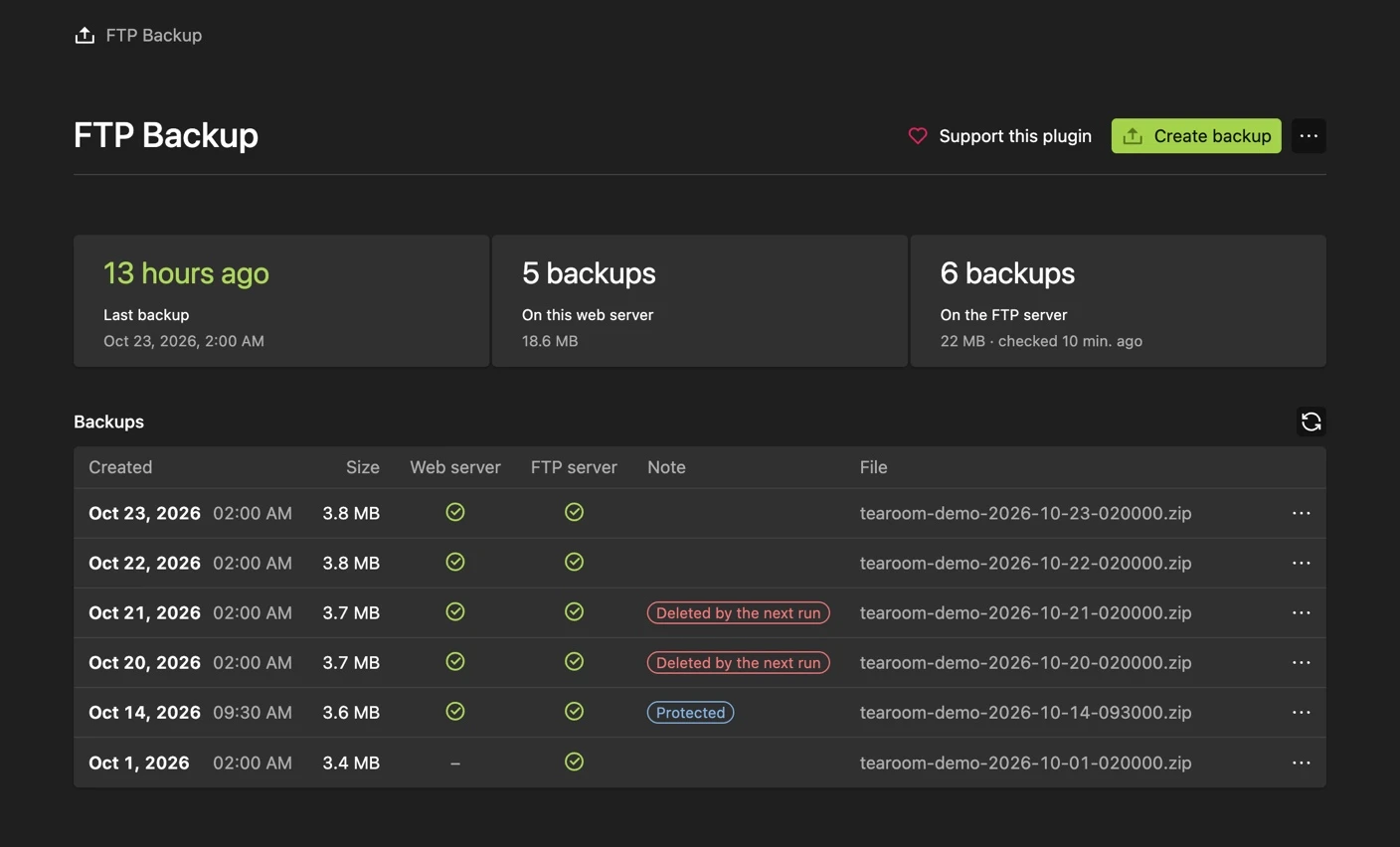
- Panel interface: One list of local and server backups with download, protect and delete, plus a connection test (English and German)
- Encryption: Optional AES-256 encryption of the archive
- More than content: Optionally include extra folders such as
site/accounts
- File filtering: Choose what is backed up with paths and regex patterns
- Automation: Cron with
run.php, Kirby CLI or a token-protected URL
System Requirements:
- Kirby 4 or 5
- PHP 8.1+ (Kirby 5 needs 8.2+) with the ZIP and FTP extensions
Installation, all options and how to restore a backup are described in the documentation on GitHub.