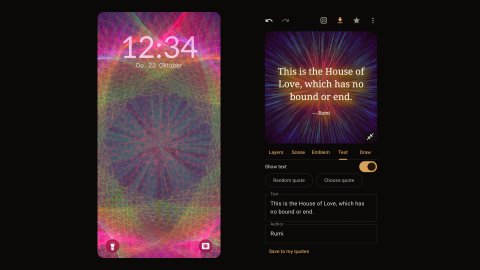
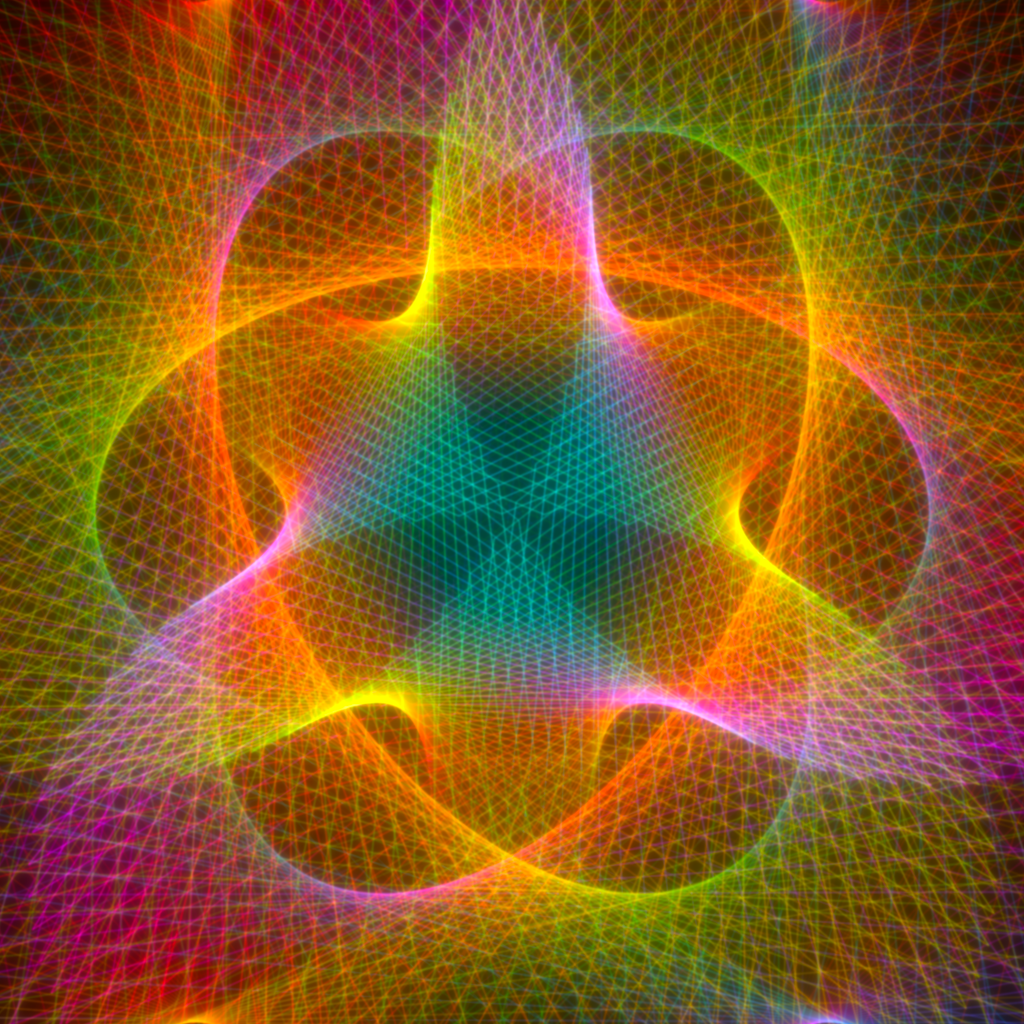
Dahlia – Mandala Maker, my Android app, sets a mandala as your wallpaper in the free version. Pro adds three ways in which the wallpaper changes on its own: home and lock screen as a pair, a new wallpaper from your favourites every morning, and a live wallpaper that turns slowly.
All three need Pro, a one-time purchase in the app, no subscription. More layers, emblems and quotes can be tried in the editor before buying; the wallpaper features cannot. The app is on Google Play.
Home and lock screen as a pair
One mandala on both screens, filling the screen, with the home screen darker so the icons stay readable.
- Open the mandala in the editor.
- Tap Wallpaper, in the menu or in the save sheet, and choose “Home and lock, as a pair”.
- A sheet shows both screens side by side as they will look. The slider sets the brightness of the home screen between 20 and 100 percent; the default is 60.
- Tap “Set both”.
The lock screen takes brightness, contrast and saturation from “Adjust” in the save sheet; the home screen is the same image, darkened by the slider. The image is rendered once, at 2048 pixels on the shorter side, in the shape of your screen, filling it.
A new wallpaper every morning
Every morning the app renders the next favourite from your list and sets it as the pair described above.
- You need at least one favourite; the 23 examples count as long as you have not deleted them. With an empty list the switch stays off. The list is taken in its order, newest first, and starts over at the end.
- Open the menu and switch on “New wallpaper every day”.
- The app sets the first one right away. The line under the switch then names the favourite on your screen, “Today: Lotus” for example; favourites without a name are called by their styles.
What to expect:
- The change happens between 4 and 8 in the morning. The app asks Android to run it while the phone is charging; if the phone is not charging by 8 o’clock, it runs anyway.
- Rendering takes 10 to 20 seconds in the background; the app need not be open.
- If Android stops the run, for example because you unplug the charger, the app tries again a quarter of an hour later, charging or not.
- The schedule survives a restart of the phone, and no network is needed: the app remembers that Pro is owned and does not ask Google Play in the background.
If the live wallpaper is on the phone as well, the daily wallpaper does not set a still image. It hands the favourite to the live wallpaper, which fades over to it in the morning.
The live wallpaper
The current mandala fills the screen and turns slowly, one full turn in four minutes. It is rendered once and then only moved on the graphics chip. Three options can be added: breathing (the brightness rises and falls by about a tenth every eight seconds), colour drift (the hue turns once in three minutes) and palettes in turn (every ten minutes on screen the next palette fades in; the lines stay, the colours change).
- Open the mandala in the editor.
- Tap Wallpaper and choose “Live wallpaper”.
- Switch on the options you want and tap “Set live wallpaper”.
- Android opens its own preview of the live wallpaper. Confirm it there.
Once it is on the phone, the preview does not come again: “Live wallpaper” for another mandala hands it over, and the running wallpaper fades to it within seconds; changed options are picked up the same way.
What to expect:
- The wallpaper draws about 30 frames a second, but only while you see it. When the screen is off or an app covers it, it does nothing.
- The mandala is rendered as a square as large as the screen’s diagonal, so no corner shows while it turns, and kept in the app’s cache: turning the screen on or a restart does not render it again.
- It takes the mandala from the editor, not from the favourites. Only with the daily wallpaper switched on does it change by itself every morning.
Limits
- Setting a wallpaper by hand stays free; the three features above need Pro and cannot be tried first.
- The pair and the daily wallpaper always fill the screen. “Show whole” and placing the mandala by hand apply to saved images, not to these two.
Dahlia is open source under the GPL. The code is on GitHub, and the app page has the download link and the privacy policy.