
Kirby plugin · Open Source

Kirby Content Watch

Track Content Changes

Content Watch shows which content changed, when and by whom: a history for every page and a timeline of all changes, with diff and restore if you switch them on. Helpful when several people edit a site, or when you want to know what the last deploy changed.

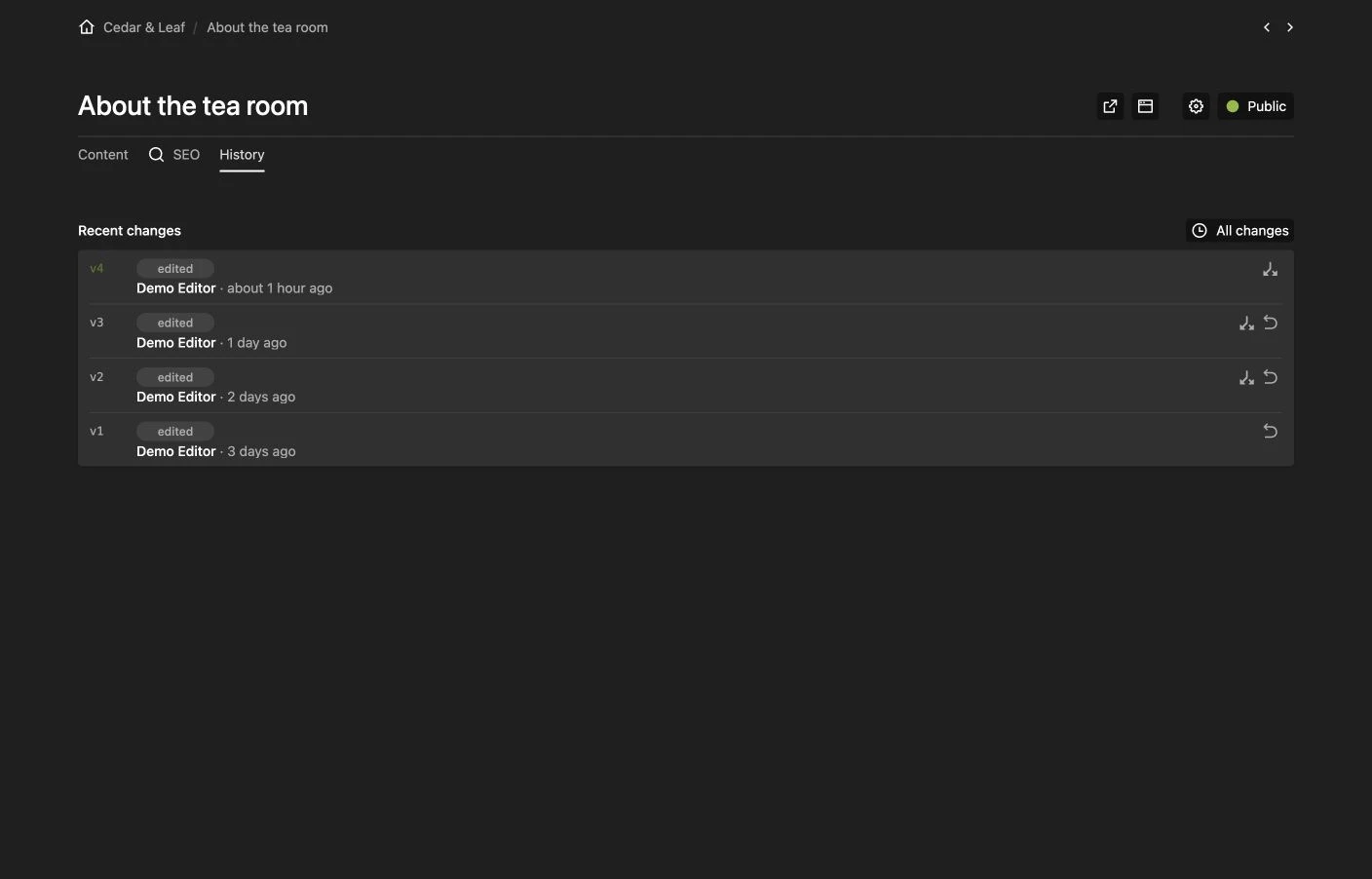
Content Watch page history Content Watch page history
Expand

Description

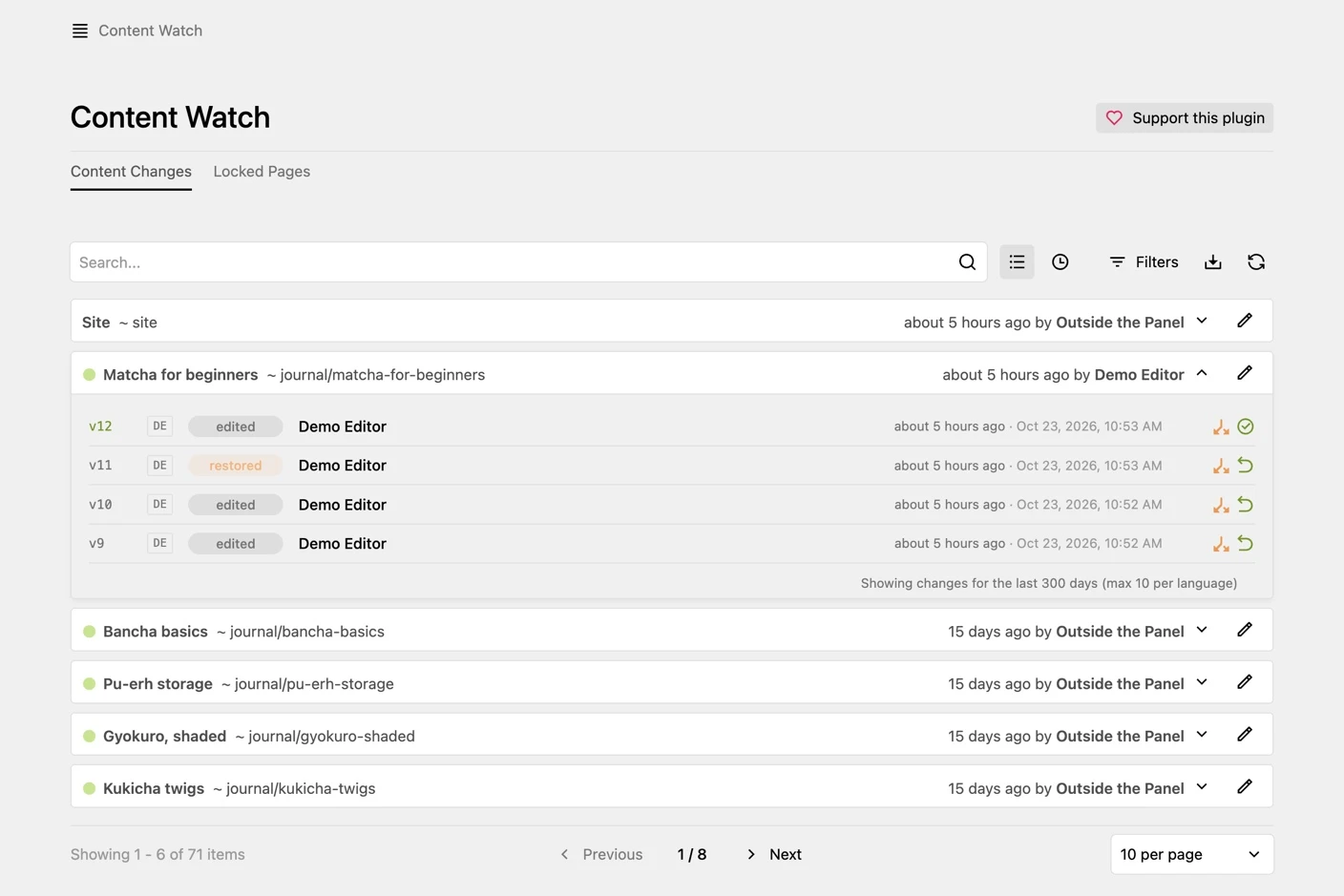
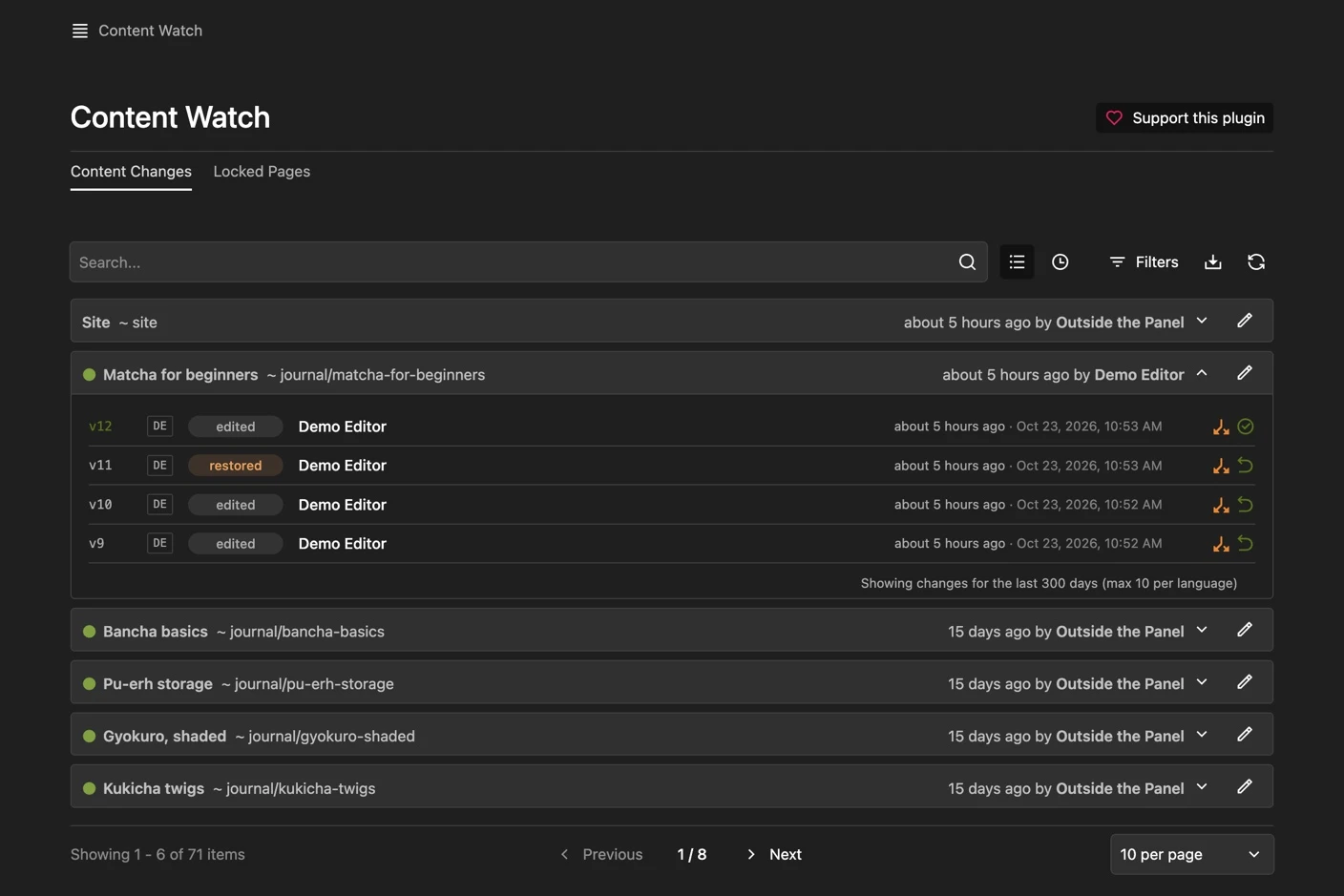
Content Watch adds an area to the Panel that lists every change to pages, files and the site, with editor, time and language. Changes made outside the Panel, for example by a deploy, FTP or git, are marked as such. A deploy that touches many pages shows up as one row in the timeline instead of fifty.

What it does:

  • By page or as a timeline: Browse the history page by page, or as one timeline of all changes, grouped by day
  • Who and when: Every change records the editor and the time; changes without a Panel user appear as “Outside the Panel”
  • Search and filters: Find content by title or path and filter by editor, status, template, period and language
  • CSV export: Export the filtered history, for example for an audit
  • Diff and restore: Compare a version with the one before and bring it back with one click (optional). A restore runs through Kirby’s own page actions, so permissions and blueprint validation apply, and it can be undone
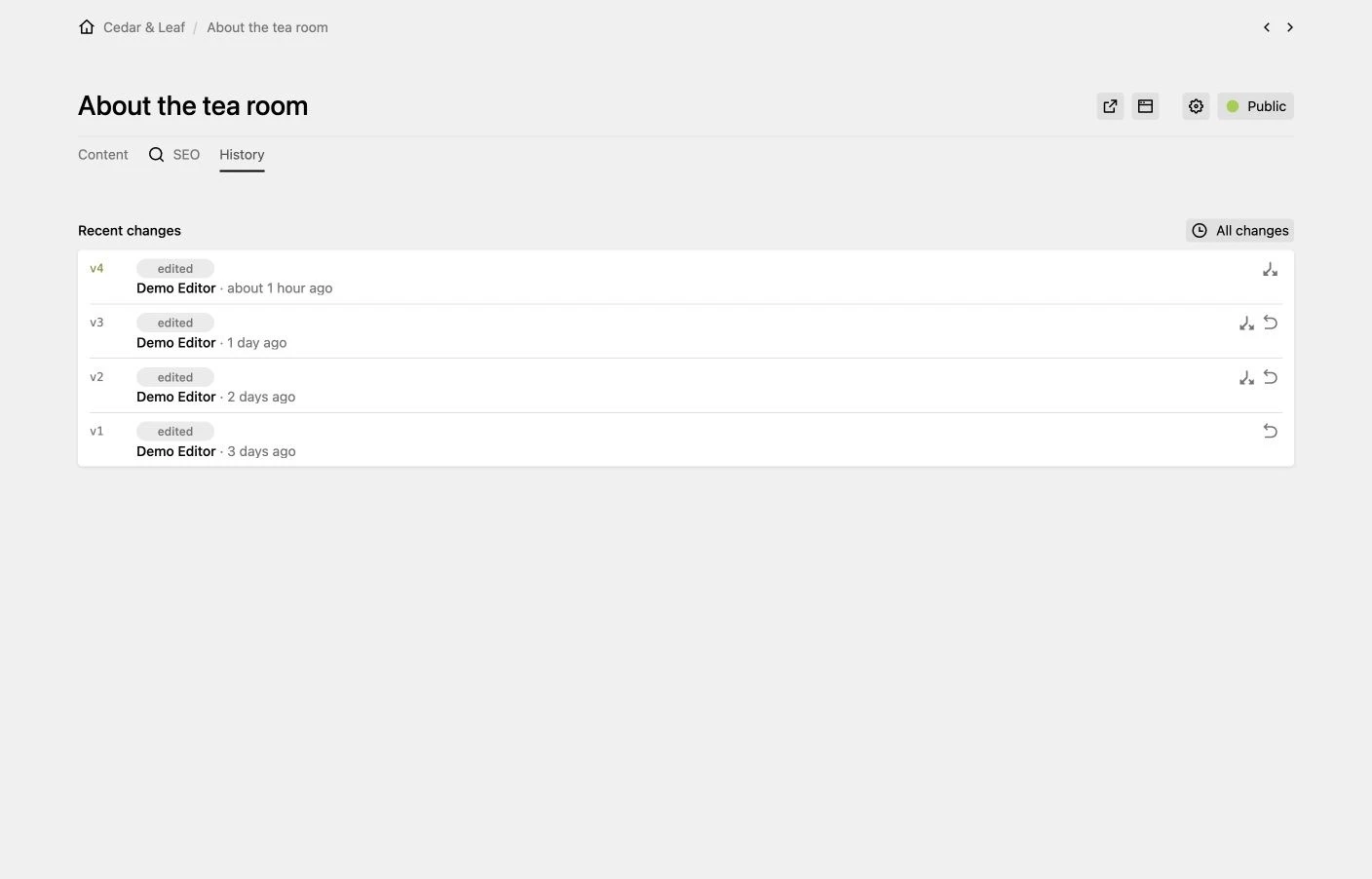
  • History section: Show the recent changes of a page, a file or the site directly in its blueprint, with diff and restore
  • Notifications: Call a webhook or a closure on every change, for example for Slack or a mail to the editor-in-chief
  • Locked pages: See which pages are being edited right now and by whom (Kirby 4; Kirby 5 has its own overview)
  • Access: Admins only by default; further roles can be allowed

Requirements:

  • Kirby 4 or 5
  • PHP 8.1 or newer
Content history section in the Panel Content history section in the Panel
Expand