
 Gasamba
  Lazy Movement Tracker
  Feldbuch
Tearoom One · Android 8+
Gazania
Your iTunes playlists on Android.
Already have your music on your phone? Gazania reads your iTunes library and creates the matching playlists.
Copy your music. Bring your playlists.
Gazania reads iTunes Music Library.xml and matches its tracks to audio files on your Android device. Your selected playlists are then available in Android’s media library for a compatible music player to use.
Copy the music files yourself, using USB or a sync tool. Gazania handles the playlists and does not change your audio files.
Smart playlists, too
Gazania imports the tracks included in exported smart playlists. Tags in playlist names can split them into groups or sort by rating, date added and play count. The rules are evaluated in iTunes or Apple Music, rather than recalculated on your phone.
Gazania or Gazania+?
The free version creates playlists when you start processing. Gazania+ adds scheduled background runs and processing after media scans. Both versions are ad-free.
A few steps to get started
- Export your library as XML.
- Copy the XML and music to your Android device.
- Allow audio access and select the XML file in Gazania.
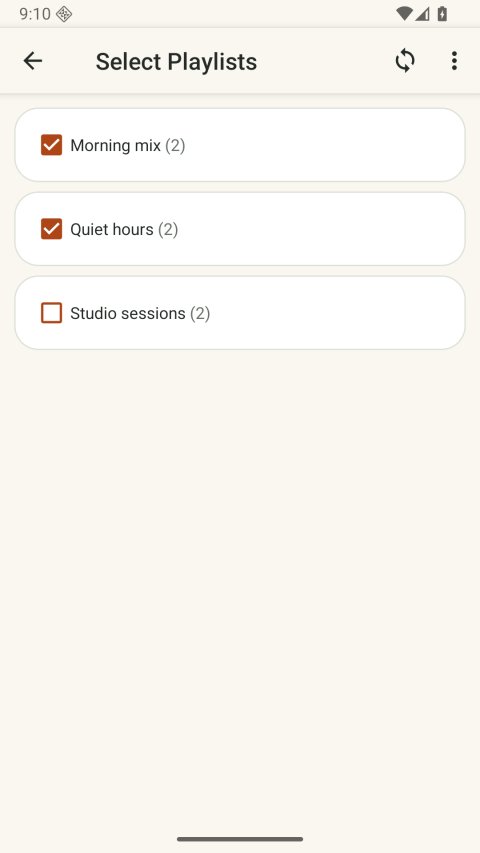
- Select your playlists and start processing.
The help section covers the full setup, settings and missing-track troubleshooting.
Interface refresh 2.0.2
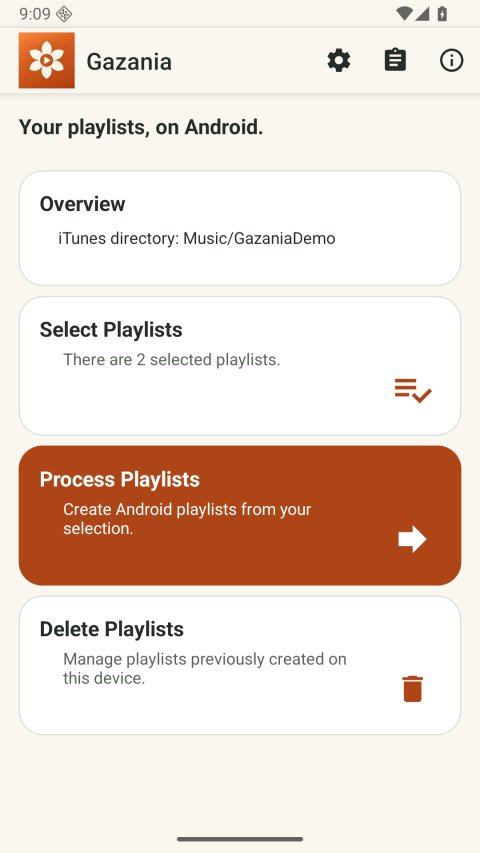
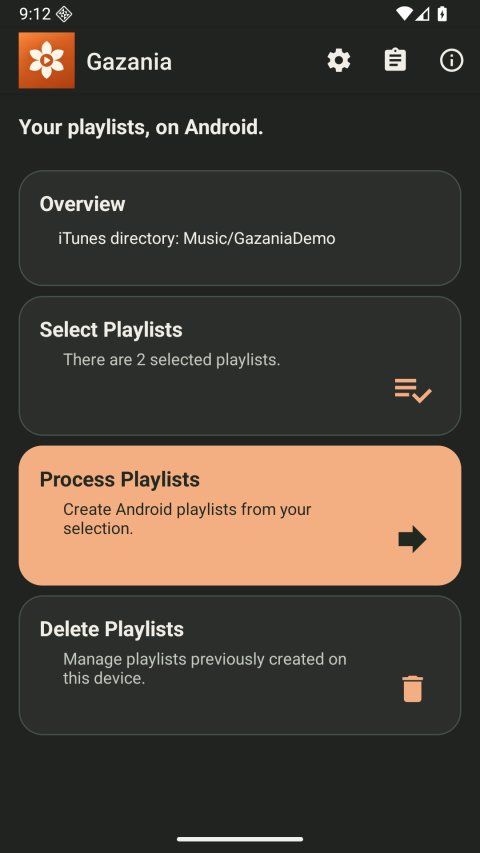
A clearer interface with rounded cards, readable actions and system light/dark appearance. The screenshots show the signed Android app with generated test music. Watch the walkthrough.