
 Gazania
  Lazy Movement Tracker
  Feldbuch
Tearoom One · Android 8+
Gasamba
Music and playlists straight from your computer.
Gasamba copies the music in your selected iTunes playlists to Android through an SMB network share.
Version 3.0.4 adds an offline demo that works without a server or account. The updated version has been submitted to Google Play and is awaiting approval.
Your library on your own network
Gasamba connects to the music folder shared by your computer. It reads playlists from iTunes Music Library.xml, copies their music files into your chosen destination folder on Android, and creates playlists for a compatible music player.
You need an SMB share, an exported XML library and enough storage on your phone. No additional sync application is required on your computer.
Choose what comes with you
Select playlists rather than copying your entire collection. For a large library, you can copy music by USB first and use Gasamba for subsequent synchronisation. The help section explains the folder layout needed for this setup.
Gazania and Gasamba
Gazania creates playlists for music already on your phone. Gasamba also transfers the files over SMB. Their setup and access requirements therefore differ.
Interface refresh 3.0.4
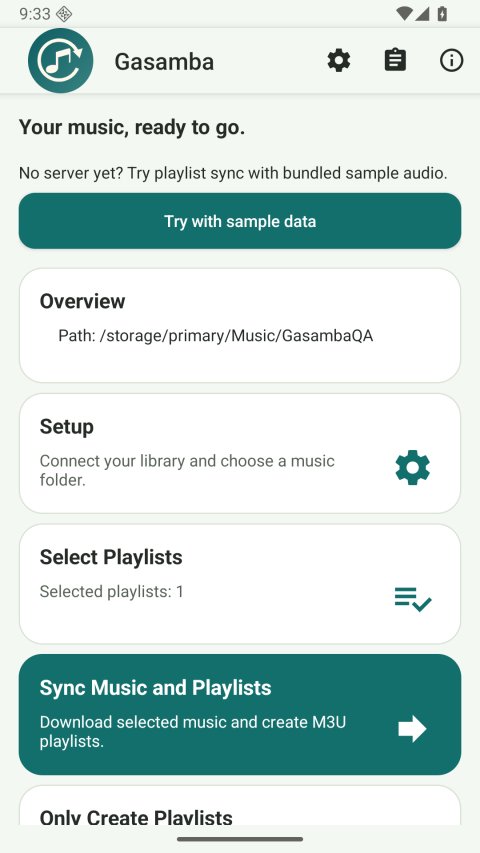
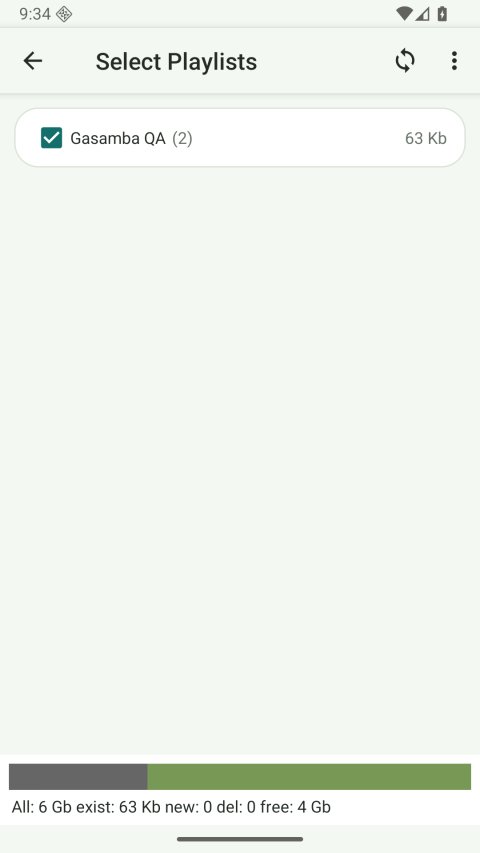
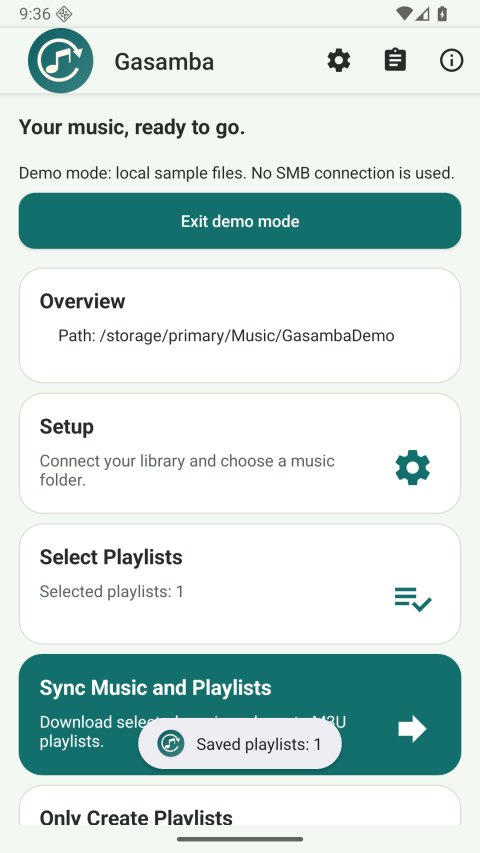
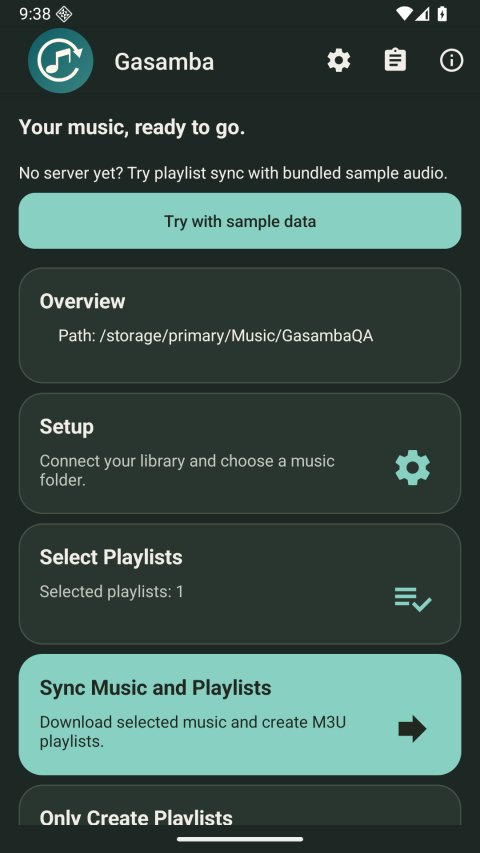
A clearer interface with rounded cards, readable actions and system light/dark appearance. The screenshots show the signed Android app with generated test music. Watch the walkthrough.
Try without a server
Tap “Try with sample data”, choose Music, select “Gasamba Demo”, then return home and sync. The demo copies bundled audio locally; normal SMB sync uses your own network share.