One tap
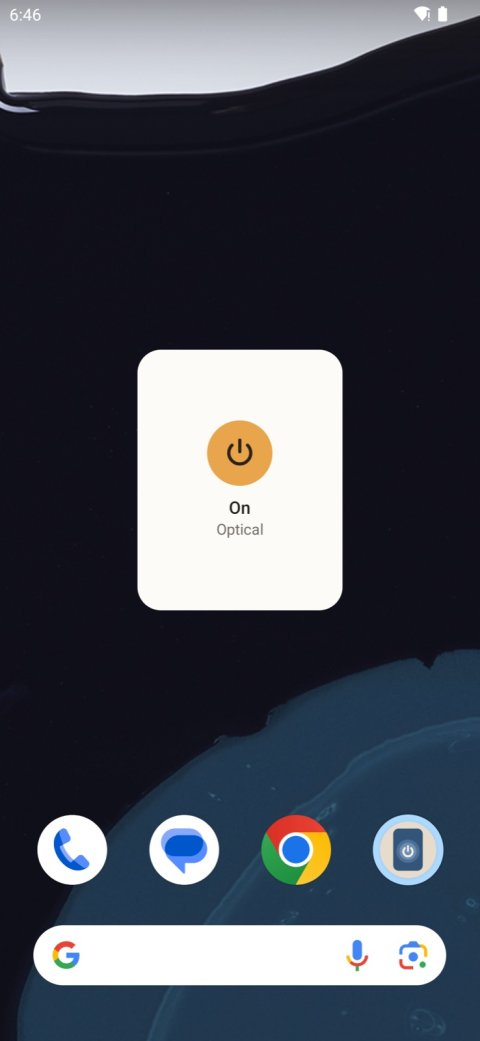
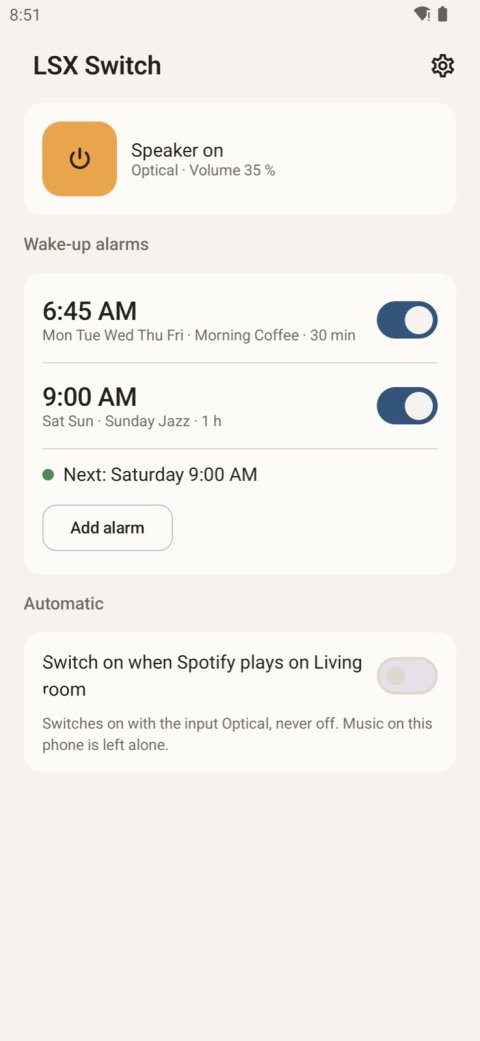
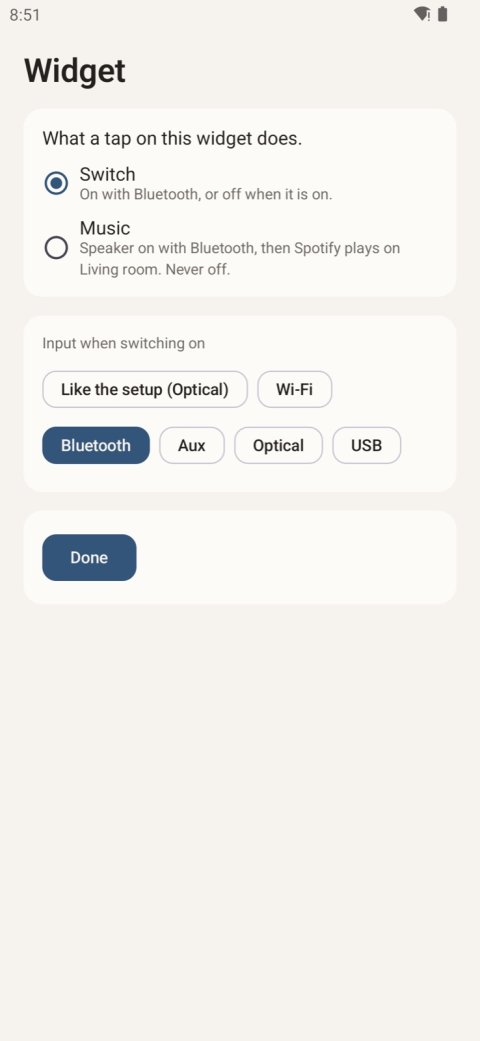
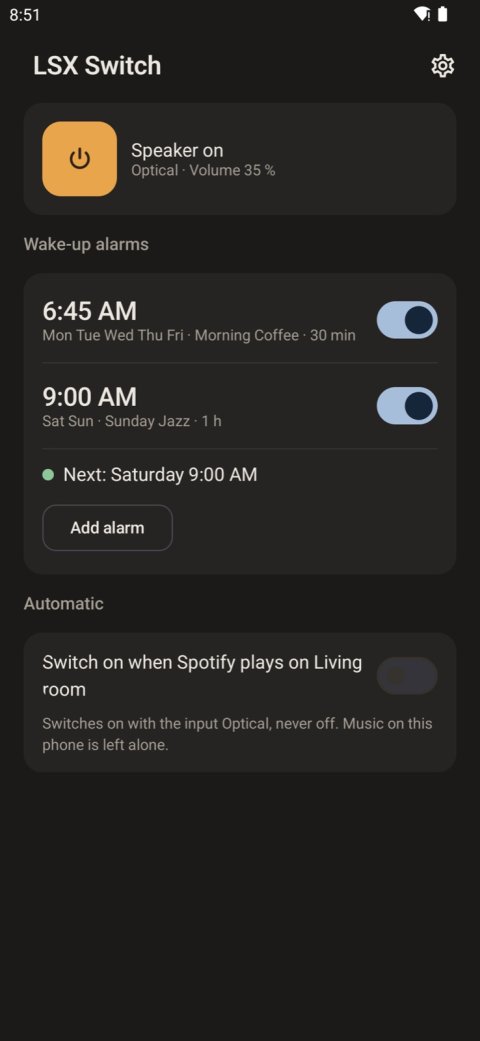
The widget shows whether the speakers are on and switches them with one tap, with the input you choose: Wi-Fi, Bluetooth, Aux, optical or USB, for the whole app or for each widget. The app talks to the speakers directly on your Wi-Fi and finds them there, so you do not need their address. If you like, the speakers switch on by themselves as soon as Spotify starts playing on your streamer.
Wake up to your playlist
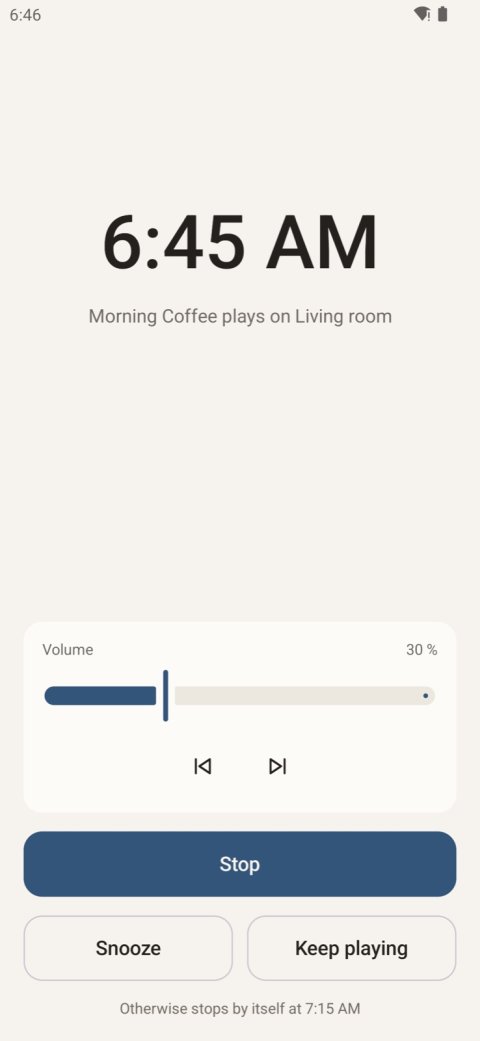
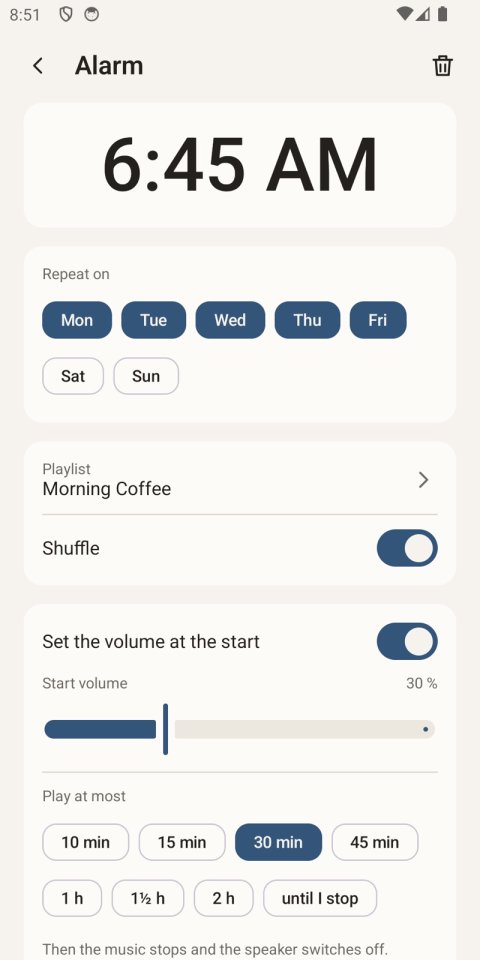
At the alarm time the speakers switch on and Spotify starts a playlist on them, shuffled if you want, at a start volume you choose and for as long as you set. On the alarm screen you change the volume, skip tracks, snooze, stop or keep listening. If the speakers or Spotify do not answer, the phone rings instead.
Your own Spotify access
Music and alarms use your own access to Spotify: you register a free Spotify app once and enter its client ID. The guide walks you through it in about ten minutes. It needs Spotify Premium. Switching, the widget and auto-on work without it.
For the first LSX
LSX Switch is for the first-generation KEF LSX. The LSX II and later models speak another protocol. It is an independent app, not made or endorsed by KEF or Spotify. See the privacy policy.