
 Dahlia – Mandala Maker




Add a symbol and a quote
Both come with Pro. You can try them in the editor before you buy.
1. Switch on the emblem
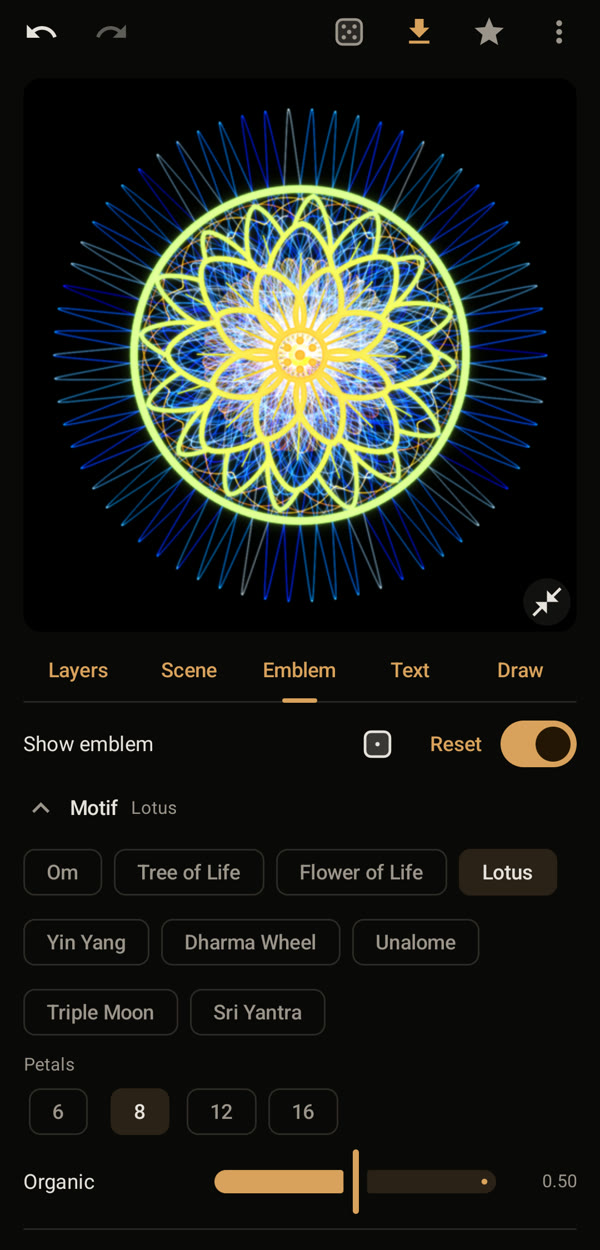
In the “Emblem” tab, switch on “Show emblem” and pick a motif, here the lotus. The die tries a random emblem.
2. Choose how it is drawn
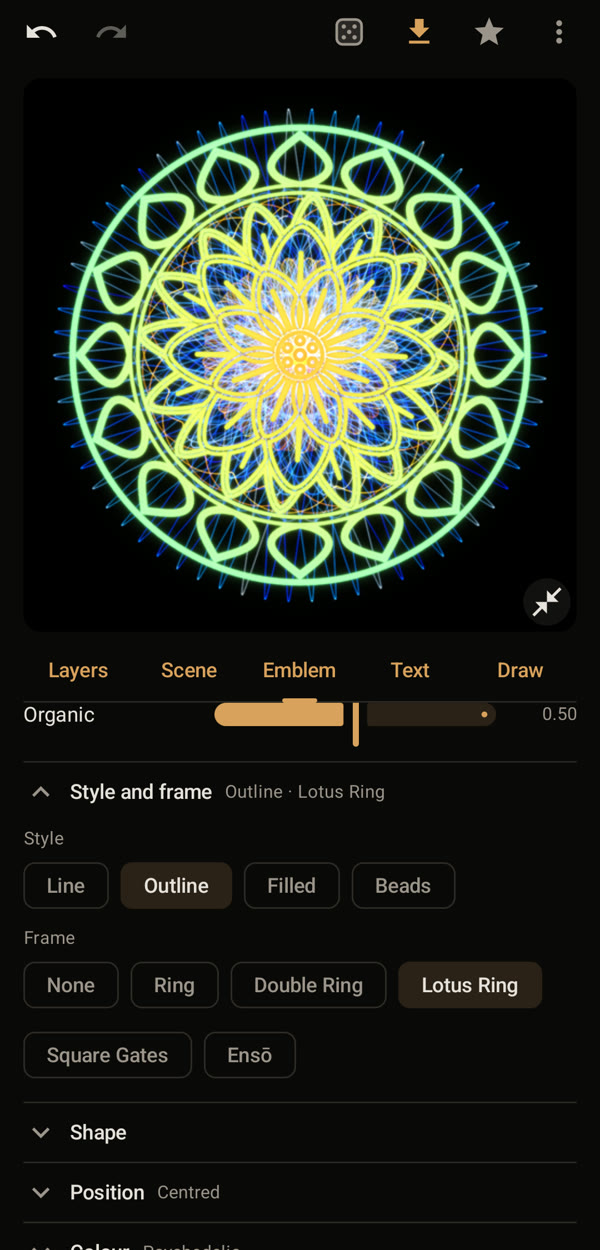
Open “Style and frame”. Choose a line style, here “Outline”, and a frame, here “Lotus Ring”. Under “Shape”, “Size” and “Weight” make the emblem smaller and its lines finer, so the mandala still shows.
3. Switch on the text
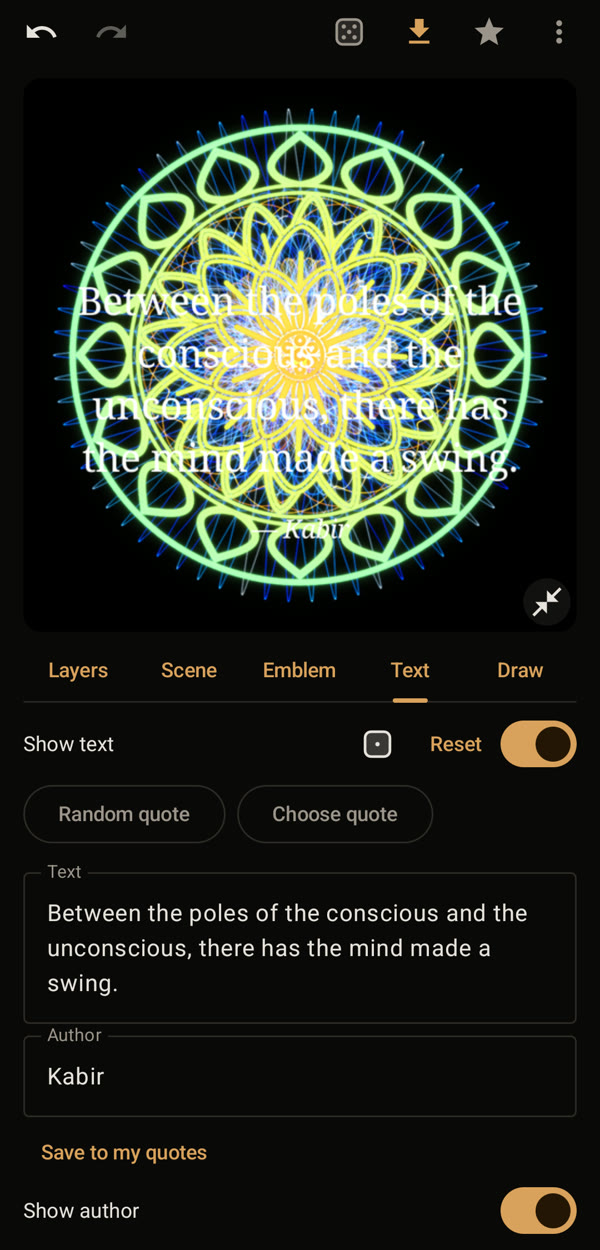
In the “Text” tab, switch on “Show text”. A random quote appears; you can also type your own text and author.
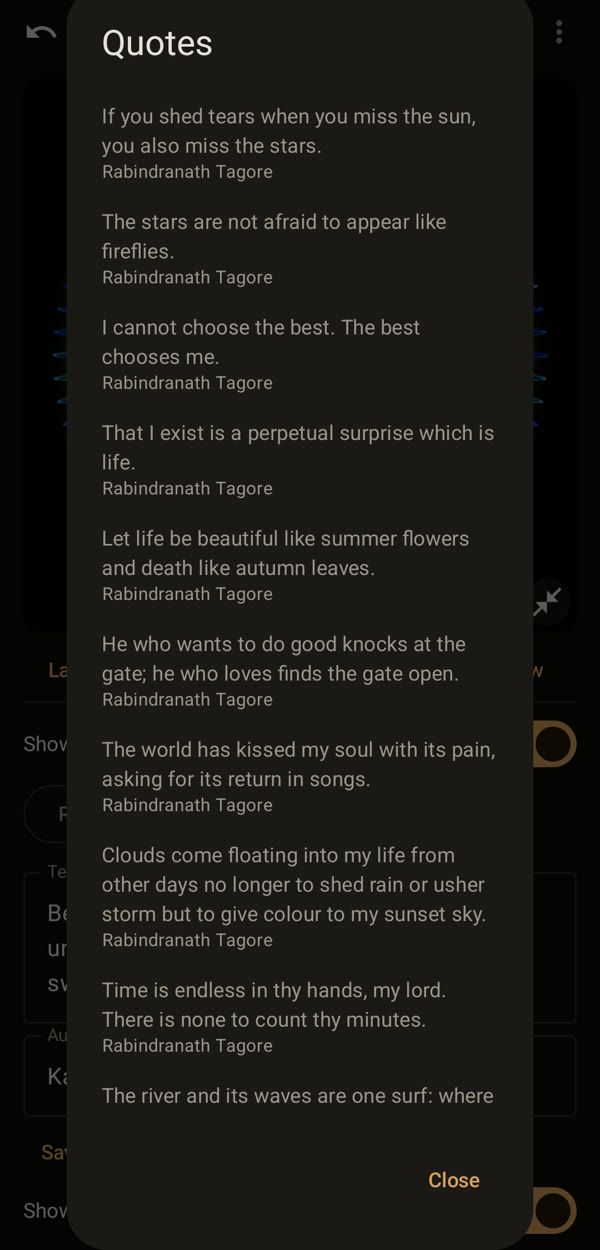
4. Choose a quote
Tap “Choose quote” and pick one from the collection. All quotes in it are in the public domain. Keep your own texts with “Save to my quotes”.
5. Save in the shape of your screen
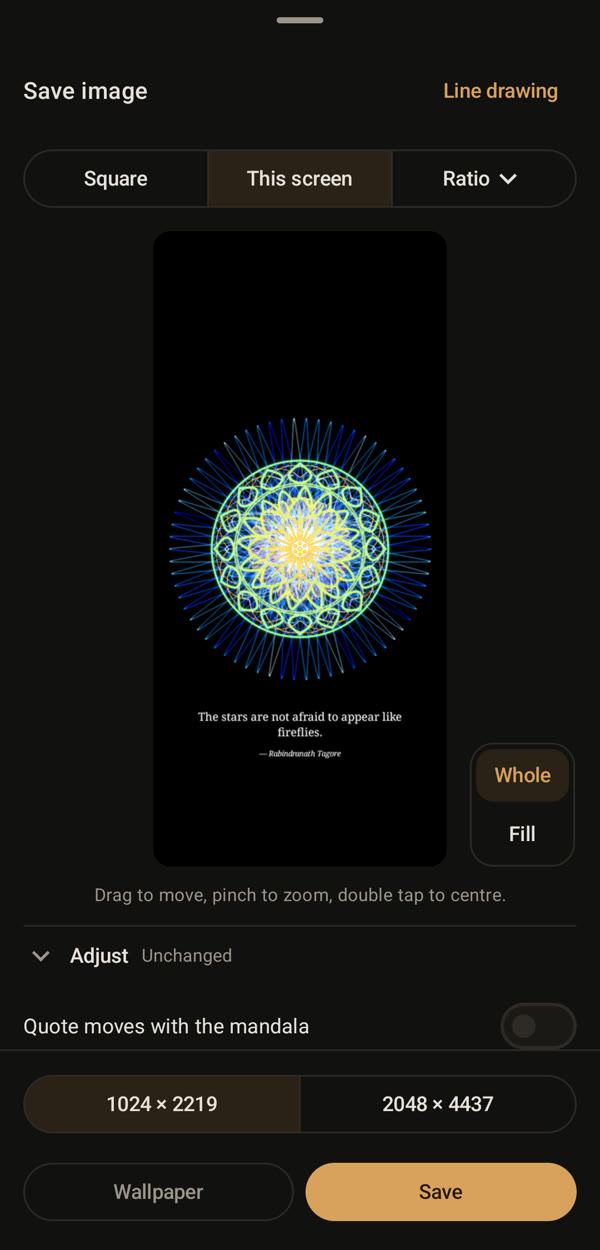
In the square editor the quote lies over the mandala. Tap Save in the top bar and choose “This screen” and “Whole”: now the quote sits below the mandala. Tap “Save” or “Wallpaper”.